728x90
Node.js의 Active LTS버전 설치
● Salesforce CLI(SFDX) 및 LWC(Lightning Web Components)개발을 위한 도구들이 Node.js기반으로 되어 있기 때문에
Salesforce개발 환경 설정시 필수적으로 설치해야함
1. 이하 사이트에 접속
https://nodejs.org/en/download
Node.js — Download Node.js®
Node.js® is a free, open-source, cross-platform JavaScript runtime environment that lets developers create servers, web apps, command line tools and scripts.
nodejs.org
2. Windows Installer(.msi)를 클릭

3. 다운로드한 파일을 실행
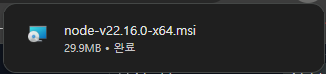
4. Next를 클릭
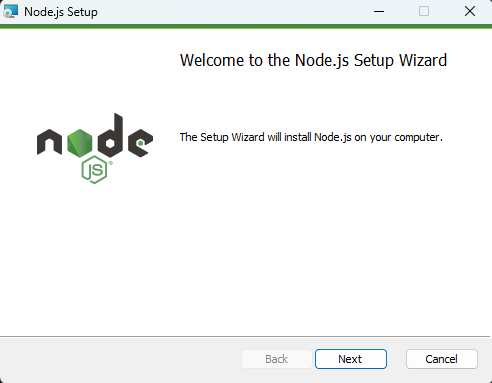
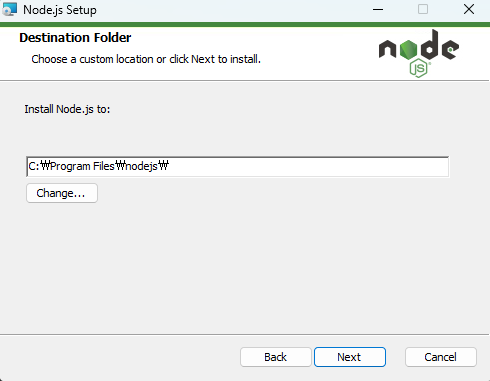
5. Next를 클릭

6. Next를 클릭
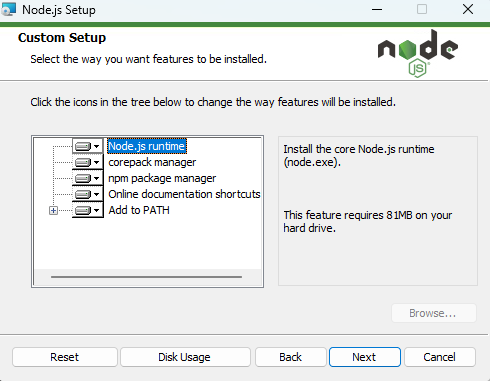
7. Next를 클릭
8. 「Automatically install the necessary tools, Note that this will also install Chocolatey.
The script will pop-up in a new window after the installation completes」에 체크하고 Next를 클릭

9. Install을 클릭

10. Finish를 클릭

11. 아무 키나 누름
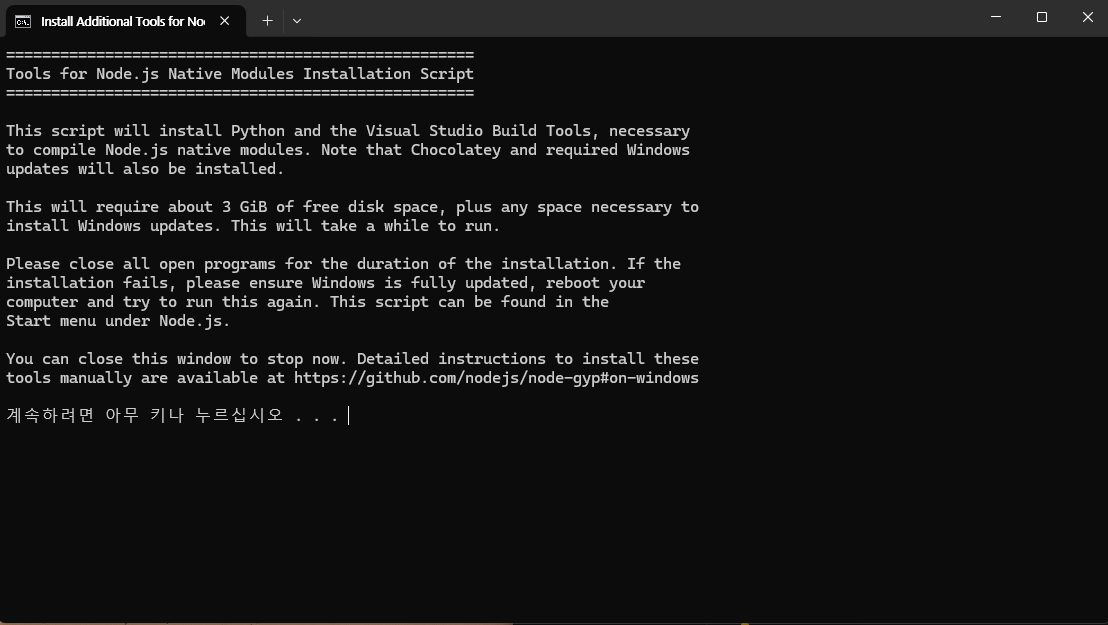
12. 팝업창에서 Enter to exit가 나올 때까지 대기

11. cmd를 열고, 설치가 성공적으로 완료되었는지 확인
node --version

728x90
'11_Salesforce' 카테고리의 다른 글
| [Salesforce]레코드를 리스트뷰에서 확인 (0) | 2025.06.29 |
|---|---|
| [Salesforce]사용자 정의 개체 만들기(csv로 data import) (0) | 2025.06.25 |
| [Salesforce]새 Salesforce프로젝트 만들기 (0) | 2025.06.23 |
| [Salesforce]개발 환경 설정-VS Code 및 Salesforce 확장팩 설치 (1) | 2025.06.21 |
| [Salesforce]개발 환경 설정-Salesforce CLI설치 (0) | 2025.06.20 |